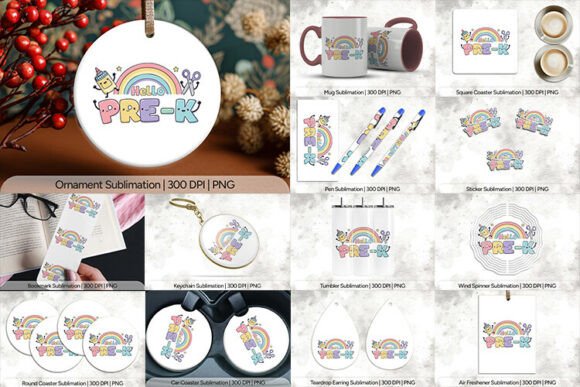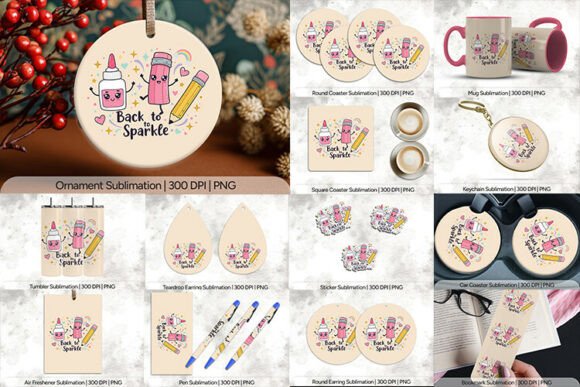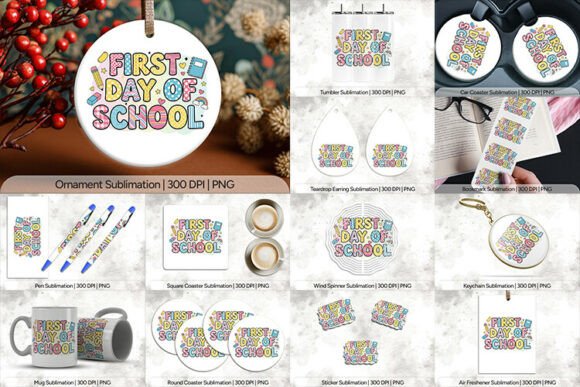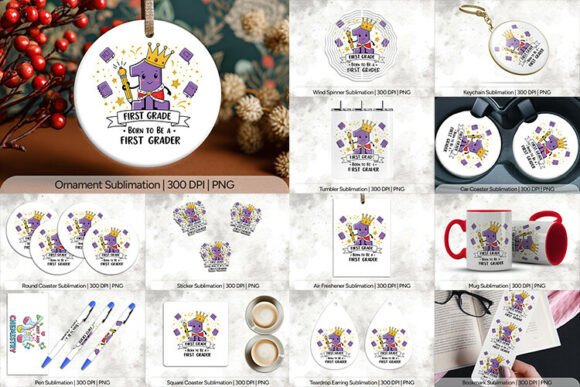
Back to Brilliance School Sublimation PN: A Complete Breakdown of the 14-Product Bundle
When you are preparing for the upcoming academic year, whether you are a teacher refreshing your classroom, a small business owner creating custom gifts, or a hobbyist looking to start a side hustle, having high-quality digital assets is crucial. The Back to Brilliance School Sublimation PN bundle has gained attention for its comprehensive collection of designs tailored specifically for school-themed projects. But before you download and start printing, it is essential to understand exactly what this package contains, how to use these files correctly, and where many creators make costly mistakes that ruin their final products.
This guide breaks down the specifics of the 14-product set, offering practical advice on file specifications, usage rights, and best practices for sublimation printing. By understanding the technical details upfront, you can avoid wasted materials and ensure your back-to-school creations look professional and polished.
What Is Included in the Bundle?
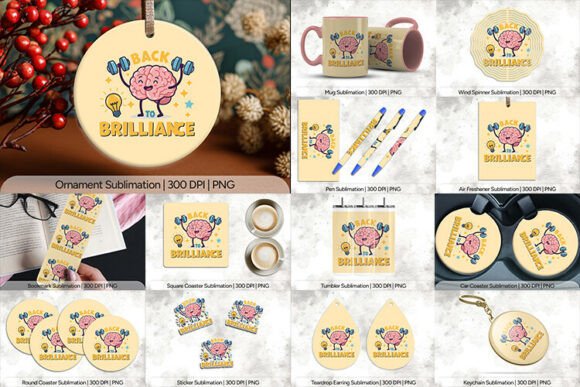
The core value of the Back to Brilliance School Sublimation PN lies in its versatility. It is not just a single image; it is a curated collection of 14 distinct product templates, all provided in PNG format at a high resolution of 300 DPI. This ensures crisp edges and vibrant colors when transferred to various surfaces. Here is a detailed look at the items included:
- Air Freshner (300 DPI PNG): Sized at 10×10 inches (3030×3030 pixels), this large format is perfect for vehicle interiors or locker decorations.
- Bookmark (300 DPI PNG): A compact 2×6 inches (600×1800 pixels) design, ideal for student giveaways or library events.
- Car Coaster (300 DPI PNG): Measuring 2.5×2.5 inches (758×768 pixels), this square shape fits standard cup holders perfectly.
- Keychain (300 DPI PNG): At 2.56×2.56 inches (768×768 pixels), this is a popular item for teachers’ appreciation gifts.
- Mug (300 DPI PNG): Designed for standard 11oz mugs, this template measures 9.75×4.75 inches (2925×1425 pixels). Note that mug designs often require specific stretching or warping adjustments depending on your printer’s profile.
- Ornament (300 DPI PNG): A 4×4 inches (1200×1200 pixels) square, suitable for holiday sales extending into the fall season.
- Pen (300 DPI PNG): Sized at 2.5×5 inches (750×1500 pixels), this is excellent for branded classroom supplies.
- Round Coaster (300 DPI PNG): With a diameter equivalent to a 4×4 inch bounding box (1200×1200 pixels), this requires careful masking to ensure the circular edge prints cleanly.
- Round Earring (300 DPI PNG): A smaller accessory piece at 1.5×1.5 inches (450×450 pixels), great for jewelry makers targeting students.
- Square Coaster (300 DPI PNG): Another 4×4 inches (1200×1200 pixels) option, offering a different aesthetic than the round variant.
- Sticker (300 DPI PNG): A tiny but impactful 1×1 inch (300×300 pixels) file, perfect for laptop decals or planner stickers.
- Teardrop Earring (300 DPI PNG): Measuring 1.35×2 inches (405×600 pixels), this unique shape adds variety to craft fairs.
- Tumbler (300 DPI PNG): One of the most popular items, this 9.3×8.2 inches (2790×2460 pixels) template is designed for 20oz tumblers. Precision is key here, as tumblers have curved surfaces.
- Wind Spinner (300 DPI PNG): An outdoor-friendly option at 2.69×3.69 inches (807×1107 pixels), adding a dynamic element to garden decor.
Common Mistakes When Using Sublimation Templates
Even with high-quality assets like the Back to Brilliance School Sublimation PN, errors in preparation can lead to frustrating results. Many beginners overlook critical steps that affect the final output. Understanding these pitfalls will save you time and money.
Ignoring Resolution and Scaling Issues
While the files are listed at 300 DPI, which is the industry standard for print, simply dragging and dropping them into your design software without checking dimensions can cause blurriness. If you stretch a 1-inch sticker file to fit a larger surface, the pixel density drops, resulting in a pixelated mess. Always work within the native dimensions provided. If you need to resize, do so proportionally and verify that the output size still meets the 300 DPI requirement for your specific printer.
Forgetting About Bleed and Safe Zones
Sublimation transfers ink across the entire printable area. If your design has text or important elements too close to the edge of the PNG file, they might get cut off during the heat press process, especially on curved items like mugs or tumblers. Check the transparent areas around your design. For items like the Tumbler or Mug, ensure there is enough margin so that no critical information sits right on the seam or edge where pressure might vary.
Assuming "PNG" Means Ready-to-Print Without Color Profile Checks
PNG files are typically RGB (Red, Green, Blue), while sublimation printers often benefit from specific color profiles to match the paper and substrate. A common mistake is printing an RGB PNG directly without converting it to the appropriate CMYK or printer-specific profile if required by your workflow. This can lead to colors appearing dull or shifted compared to the screen preview. Always test print on scrap material first to calibrate your color settings.
Overlooking Substrate Compatibility
Not all blanks are created equal. The Back to Brilliance School Sublimation PN works best on polyester-coated or polymer-infused substrates. Attempting to sublimate onto 100% cotton fabric or uncoated wood will result in no transfer or a very faint image. Ensure your mugs, tumblers, and coasters are explicitly labeled as "sublimation-ready." Additionally, darker backgrounds will show through white ink layers if the coating is thin, so stick to white or light-colored blanks for the best contrast.
Practical Applications and Best Uses
Once you have avoided the common traps, the Back to Brilliance School Sublimation PN opens up numerous creative avenues. Here is how different users can leverage these 14 products effectively:
- Educators: Use the Bookmark and Pen designs to create personalized rewards for students. The Air Freshner can be used for classroom car pools or as a thank-you gift for parent volunteers.
- Small Business Owners: The Keychain and Sticker options are low-cost, high-margin items perfect for online marketplaces like Etsy. The Tumbler and Mug are staple items for teacher appreciation weeks.
- Hobbyists: Experiment with the Round and Square Coasters for home decor. The Wind Spinner offers a unique way to add school spirit to outdoor spaces.
For those selling physical goods, consider bundling these digital designs with physical blanks. For example, a "Teacher Starter Kit" could include a printed mug, a keychain, and a bookmark using these files. This increases perceived value and encourages bulk purchases.
Final Checklist Before You Start Printing
To ensure success with the Back to Brilliance School Sublimation PN, run through this quick checklist:
- Verify File Integrity: Open each PNG to ensure there are no hidden artifacts or transparency issues.
- Match Dimensions: Confirm that your blank products match the specified inch measurements (e.g., ensure your tumbler is indeed ~9.3x8.2 inches).
- Test Print: Always do a test run on paper or scrap material to check alignment and color accuracy.
- Heat Press Calibration: Adjust time, temperature, and pressure according to your specific equipment and the material of the blank.
- Respect Usage Rights: Remember that purchasing the PNG bundle usually grants you the right to sell physical items made from the designs, but you cannot resell the digital files themselves. Always review the specific license agreement provided with the purchase.
By paying attention to these details, you can transform simple PNG files into high-quality, desirable back-to-school products. The Back to Brilliance School Sublimation PN provides the foundation; your attention to technique and preparation determines the brilliance of the final result.